Make it yours.
Add your details, choose your look, and bring your logo or photo. Watch your card come together as you type.
 Create your card ↗
SIMPLE TO MAKE. EASY TO SHARE.
Make it yours in about 5 minutes.
Download it. Share it. Get back to work.
$1.99 once. No subscription. No account to create.
Want it on your lock screen too? Get the Complete Suite for $4.99.
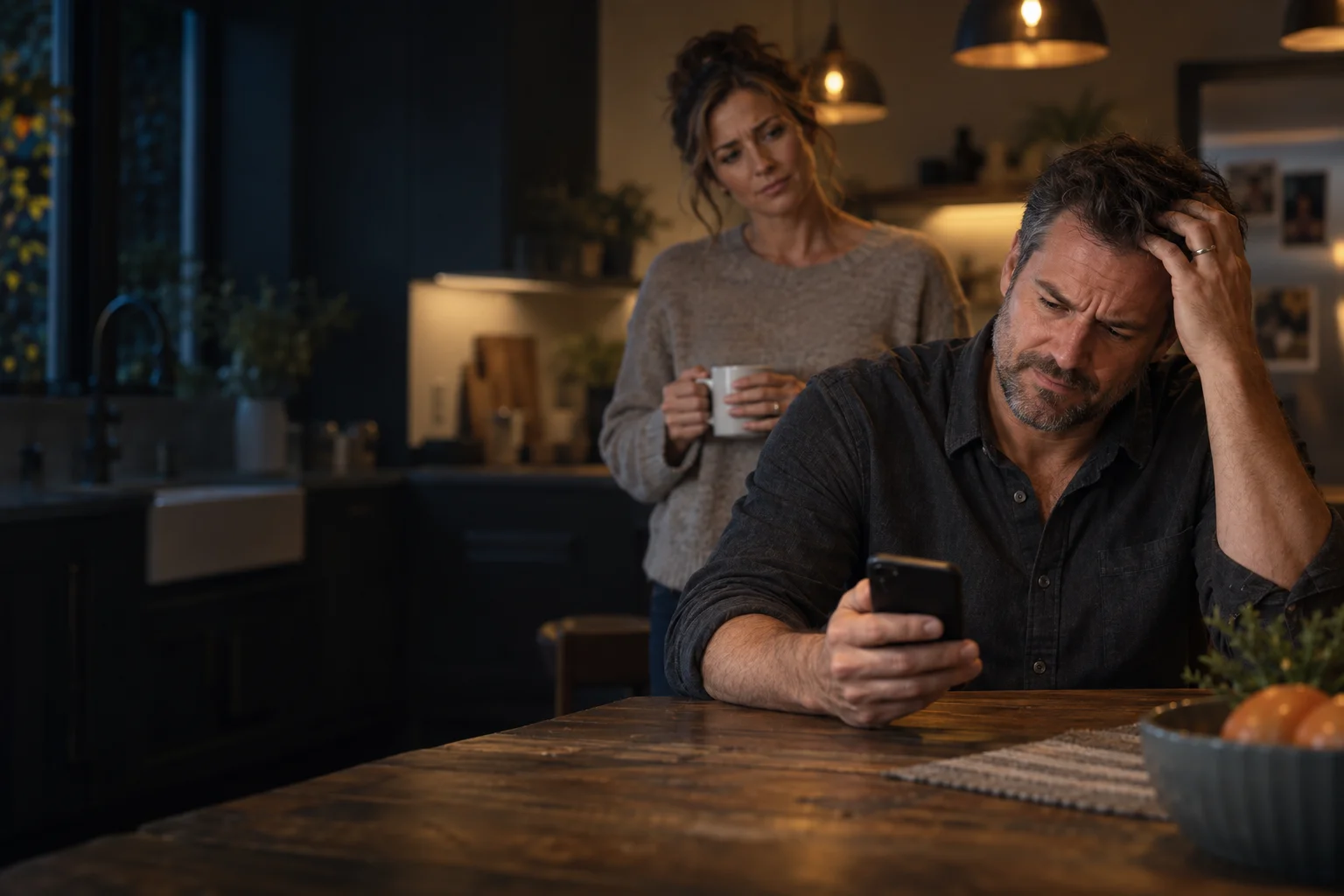
“Who was that plumber
we used last year?”
Old texts. Old emails. Same dead end.
SIMPLE FROM START TO FINISH.
Add your details and logo, choose a design, then pay once for your downloads. No subscription to manage.
Add your details, choose your look, and bring your logo or photo. Watch your card come together as you type.
Choose the $1.99 card or $4.99 Complete Suite. Download each file you want to keep. No account setup.
Show or send your card. They scan your QR, review your details, and save you to their contacts.
YOUR LOCK SCREEN → THEIR CONTACTS
The business owner puts their own Card Studio wallpaper on their own lock screen. The customer scans it and saves the business details in their Contacts app—not on their lock screen.
Show your lock screen with your business card and QR code.
The customer points their phone’s camera at your phone. A compatible scanner opens your contact details.
They choose Create New Contact or Add to Existing Contact, then save. Button names vary by phone.
Illustration only. Scanning does not automatically save a contact or change anyone’s wallpaper.
With the $4.99 Complete Suite, download your lock-screen image and set it as wallpaper on your phone. Keep the entire QR visible when adjusting the crop. No Card Studio app is required.
Create my card →YOUR BUSINESS. YOUR FIRST IMPRESSION.
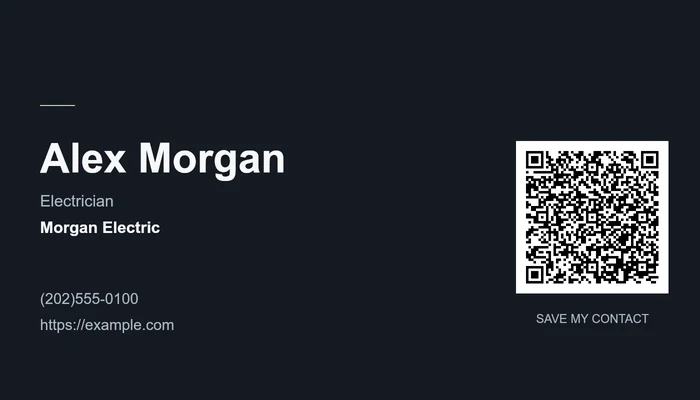
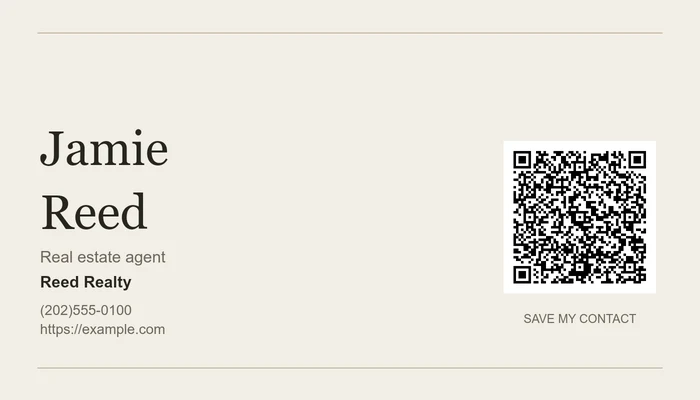
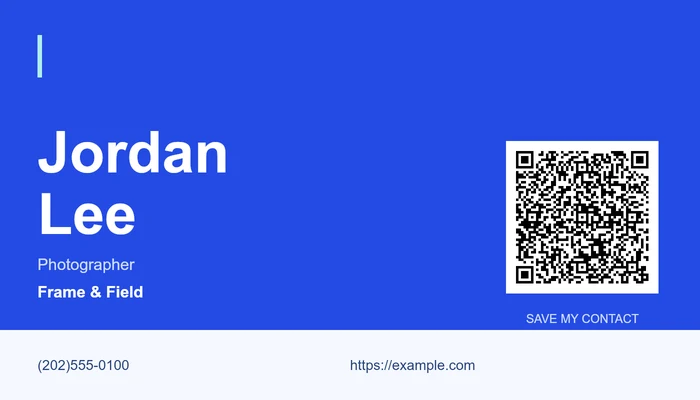
For the contractor worth calling again. The agent worth remembering. The creative worth recommending.
Example designs with fictional contact details. Customize your card in the editor.
ONE DESIGN. MORE WAYS TO CONNECT.
No account setup. No subscription. Pay once for your design.
$1.99 one time · USD
One ready-to-share business card image.
$4.99 one time · USD
All four files. Just $3 more than Card.
A FEW GOOD QUESTIONS.
Yours—the business owner’s. Download the wallpaper included in the Complete Suite and set it on your own phone. Customers scan your QR and save your details in their Contacts app. They do not put your card on their lock screen.
The QR contains your contact details, rather than a link to a hosted profile. A compatible phone shows a contact preview. The recipient reviews it and chooses to save it. Scanning alone does not save a contact.
No Card Studio app is needed. Use a compatible phone camera or QR scanner. Contact-import behavior varies by device; the contact VCF file is another way to share your details.
Yes. Choose a font, upload a logo or photo, and adjust its placement. Optional social links are included in the QR and contact file. Some contact apps display them as website links.
Your editable drafts and named saved cards stay in this browser on this device. Download files you want to keep. Clearing browser storage can remove your saved designs; this is not a cloud backup.
You can edit a design saved in this browser. Each purchase covers the version saved at checkout; a changed design requires a new purchase unless support provides a correction remake. Re-download your original purchased files for 90 days. Previously shared images and saved contacts do not update automatically.
No. Card is $1.99 and the Complete Suite is $4.99, as a one-time purchase for your design. Pay securely with PayPal after reviewing your design.
BE THE CONTACT THEY KEEP.
Card $1.99 · Suite $4.99 · Secure checkout with PayPal.